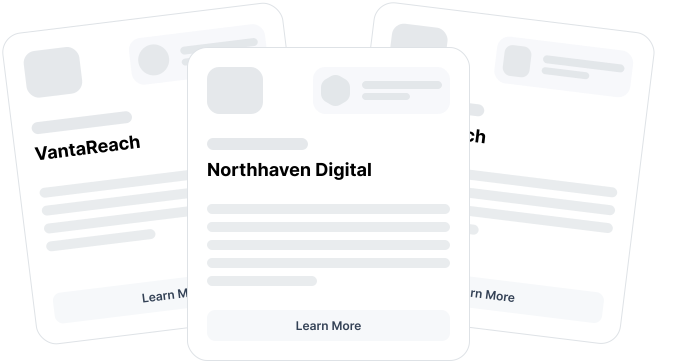
Most partner platforms require months of implementation, onboarding teams, and services. Partner.io is self-serve. Follow the flow and your program is live the same day.
Rated on ★★★★★ G2 .





Your partner portal is fully white-labelled. Set your name, logo, colors, and subdomain so partners see your brand from day one.
Fill out the details for your organisation

Upload your company logo and favicon
Partner types
Agencies
Resellers
This can always be changed later.
Partner types are used to tailor your experience
Your Partner.io Domain
Default Domain
Use your organisation name as a subdomain
Custom Domain
Connect a domain you own to your partner portal
Your default domain is:
klaviyo.portal.partner.io
Set the domain for your partner portal

Hubspot

Pipedrive

Stripe
Sync leads and deals between partner.io and your current CRM
Define your program structure. Create tiers, set thresholds, and configure payouts.

Replace spreadsheets and manual finance workflows with automated commission tracking, payout approvals and partner payment management.
Replace spreadsheets and manual finance workflows with automated commission tracking, payout approvals and partner payment management.
Replace spreadsheets and manual finance workflows with automated commission tracking, payout approvals and partner payment management.
Give partners what they need to start selling immediately.
This Partner Agreement (“Agreement”) is entered into on [Date], between:
Company: [Your Company Name], a company registered in [Country], with registered address at [Address] (“Company”)
Partner: [Partner Name / Business Name], located at [Address] (“Partner”)
1. Purpose
The purpose of this Agreement is to define the relationship under which the Partner refers, promotes, or collaborates with the Company to generate leads, customers, or revenue.
2. Scope of Partnership
The Partner agrees to:
Promote the Company’s products/services via agreed channels
Submit leads through the Company’s platform or approved process
Represent the Company accurately and not make false c
Use Partner.io to generate partnership agreements in minutes
Add marketing assets to your Partner Room
Select a document
Product Training.pdf
Upload File
Use training documents to generate courses in minutes
Course Title
Partner Onboarding
Document
Onboarding Walkthrough.pdf
Generate Course
Instantly create partner training courses from a description or training document
Sync leads and automate payouts.
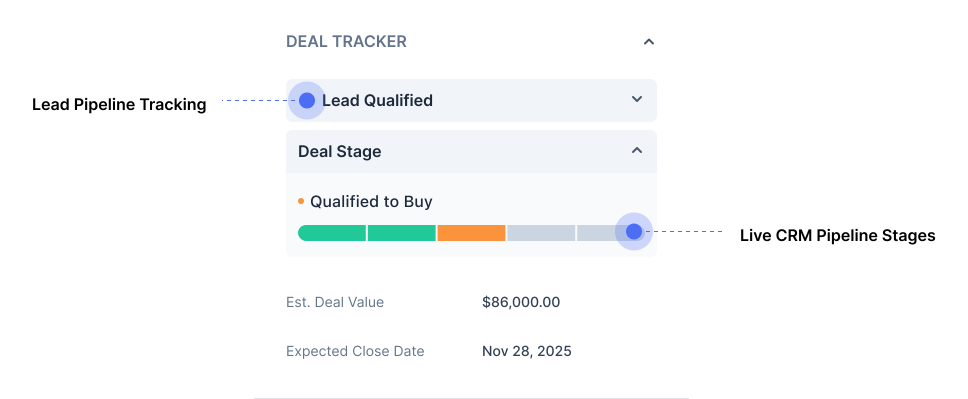
Replace spreadsheets and manual finance workflows with automated commission tracking, payout approvals and partner payment management.

Replace spreadsheets and manual finance workflows with automated commission tracking, payout approvals and partner payment management.
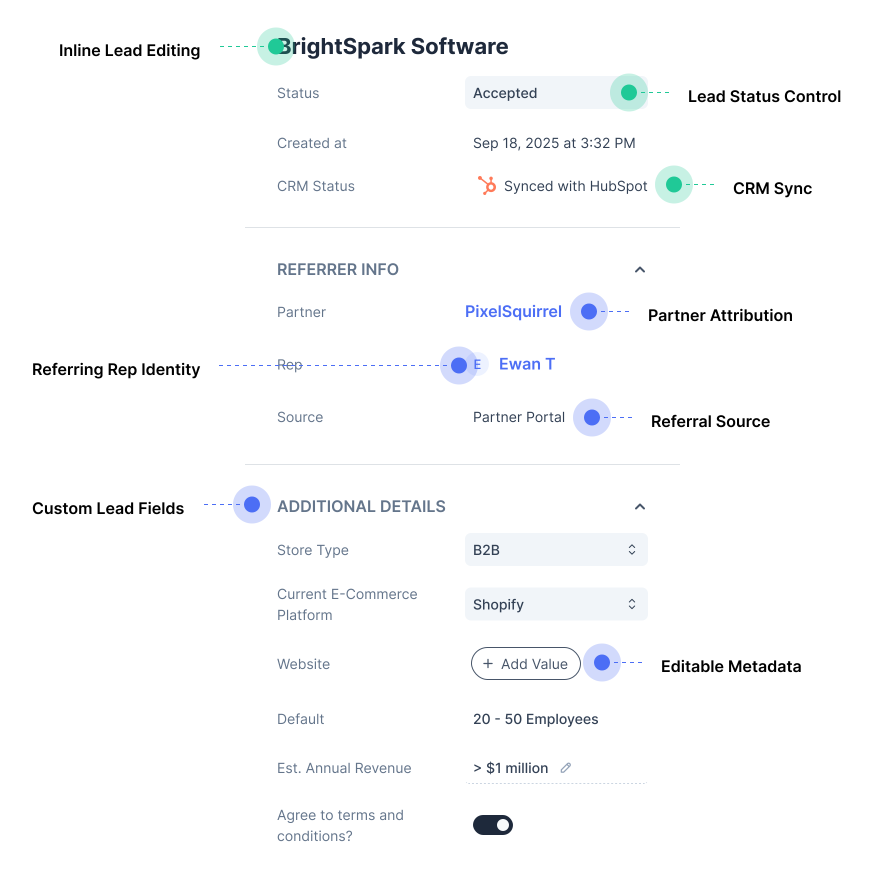
Replace spreadsheets and manual finance workflows with automated commission tracking, payout approvals and partner payment management.
Bring current partners into the platform without disruption.
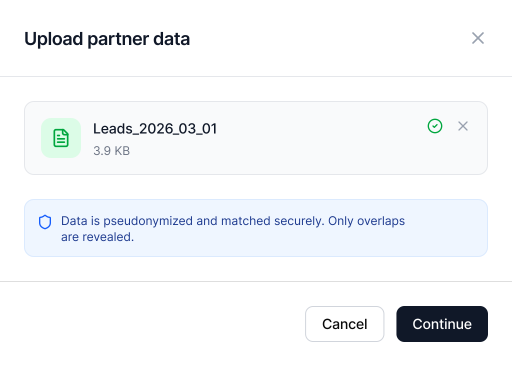
Replace spreadsheets and manual finance workflows with automated commission tracking, payout approvals and partner payment management.



Replace spreadsheets and manual finance workflows with automated commission tracking, payout approvals and partner payment management.
Set the theme for your white-labeled partner portal